Turn your older smartphones into a
Remote Camera System
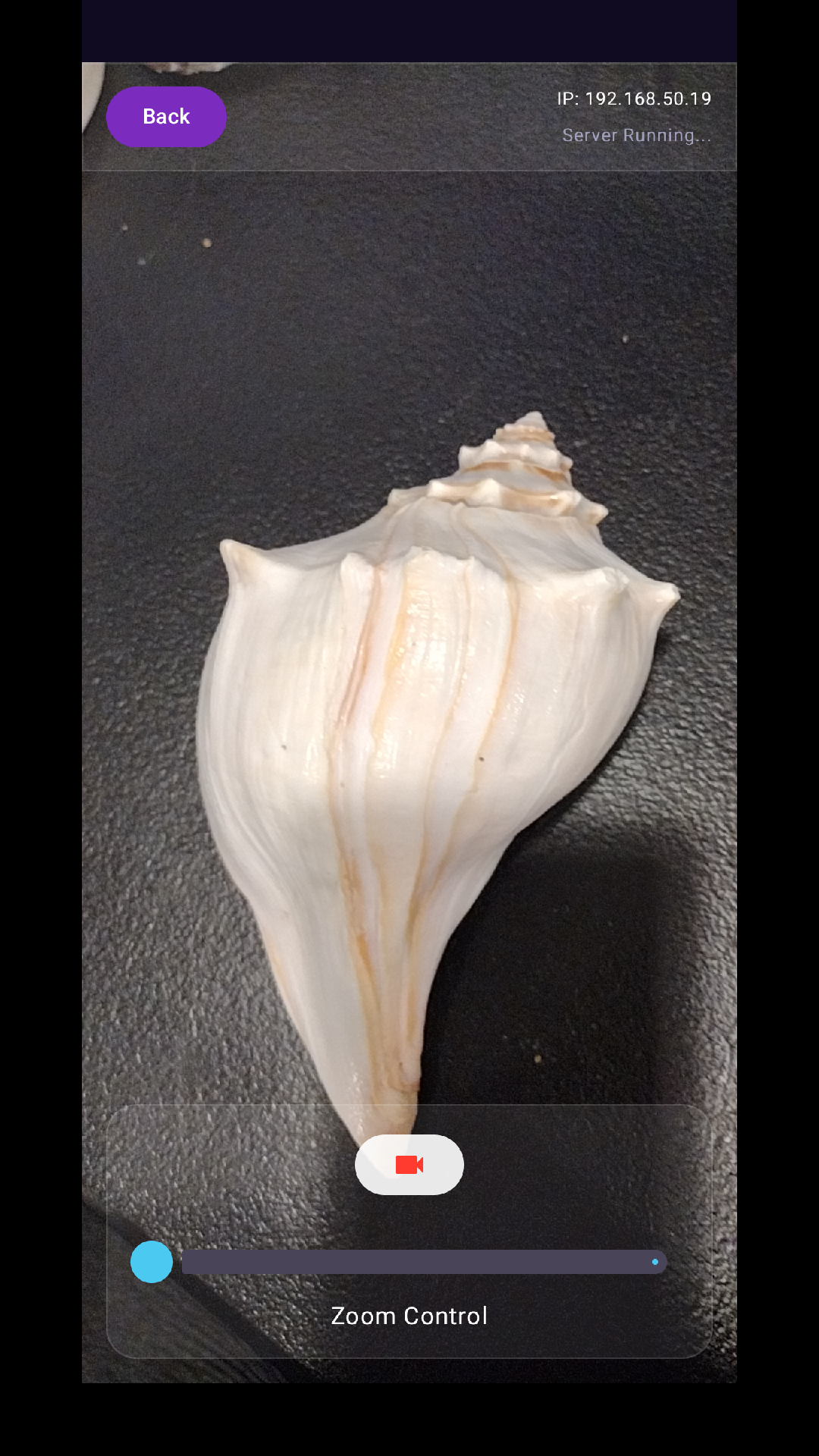
100% private, real-time monitoring on your local Wi-Fi. No internet. No cloud.
Download on Google PlayLatest Features
We've been busy building what you asked for
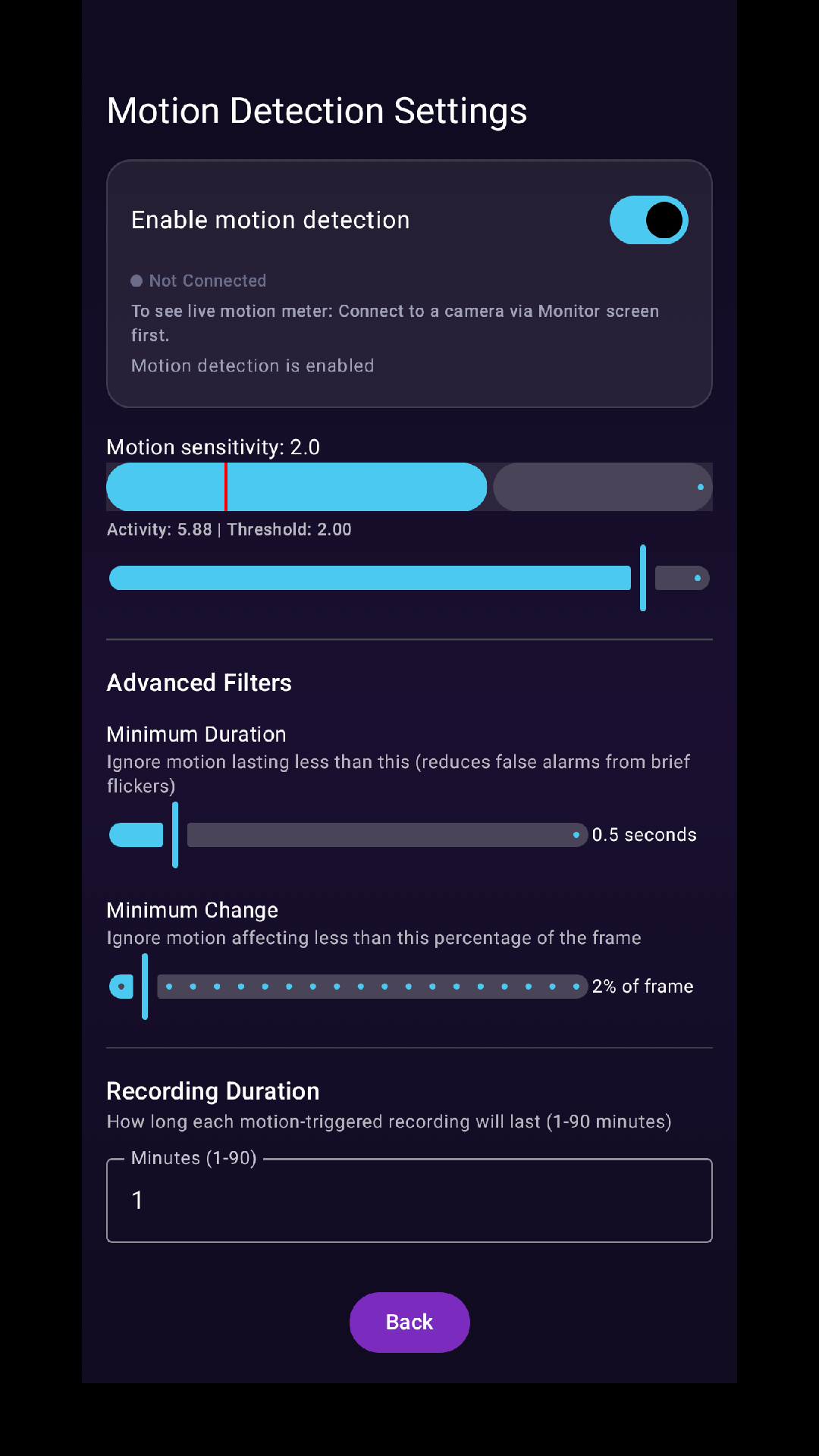
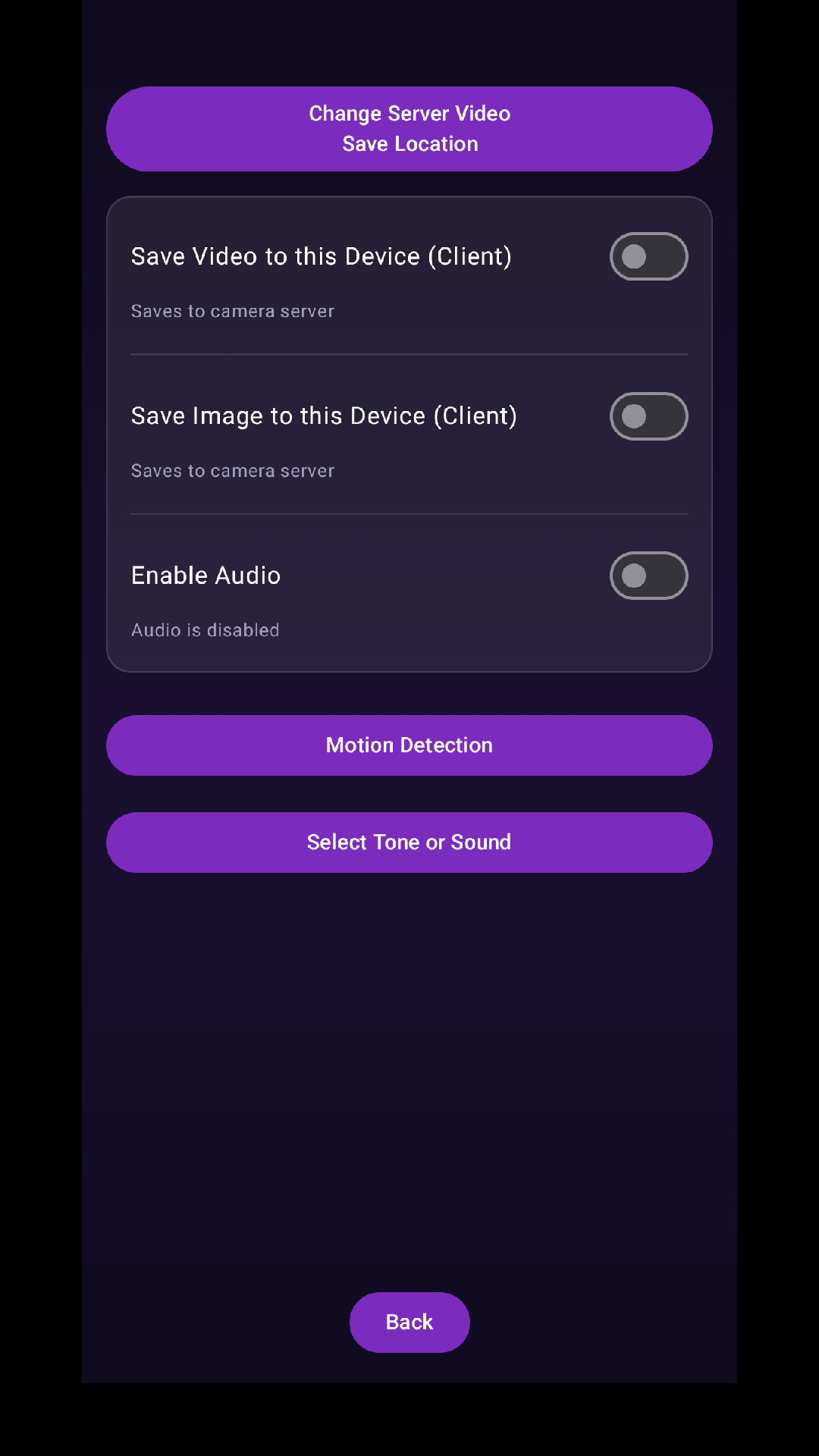
Motion Detection
Detect motion in your camera's field of view and receive instant alerts when movement occurs.
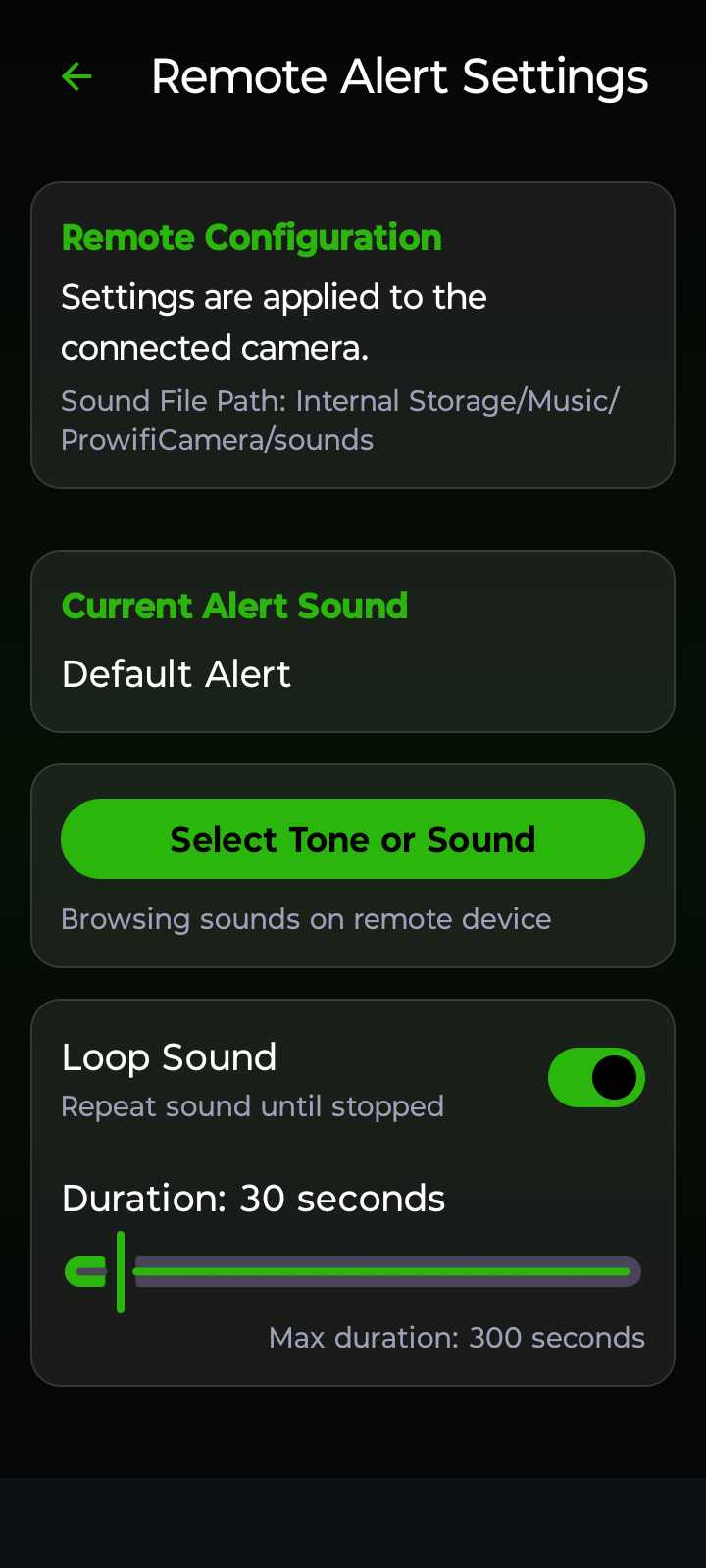
Custom Alert Sounds
Pick your own audio files for alerts. Set duration, enable looping, and configure from either device.
Black Screen Mode
Stealth monitoring — turn off the camera device's screen while it continues to stream securely.
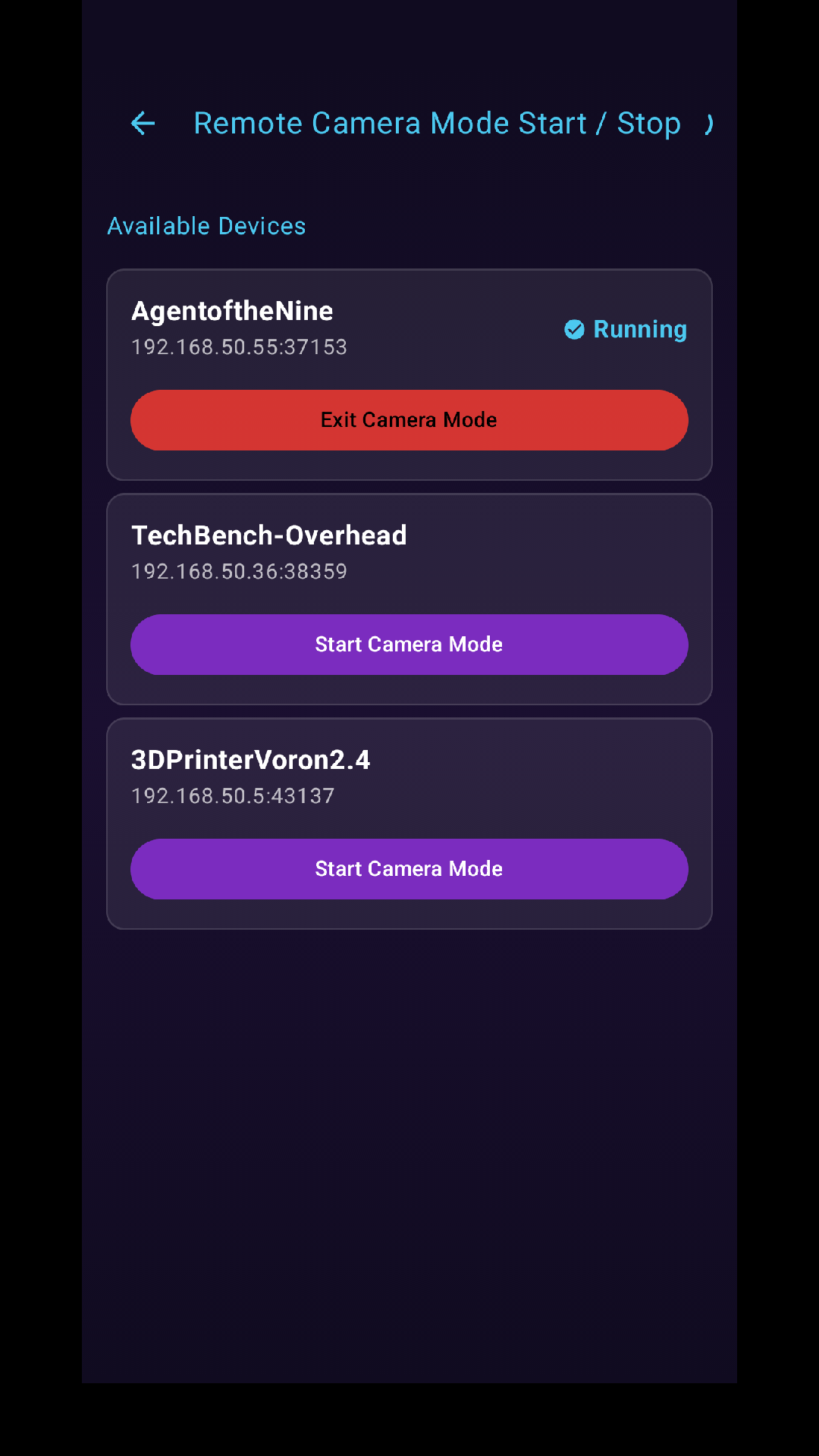
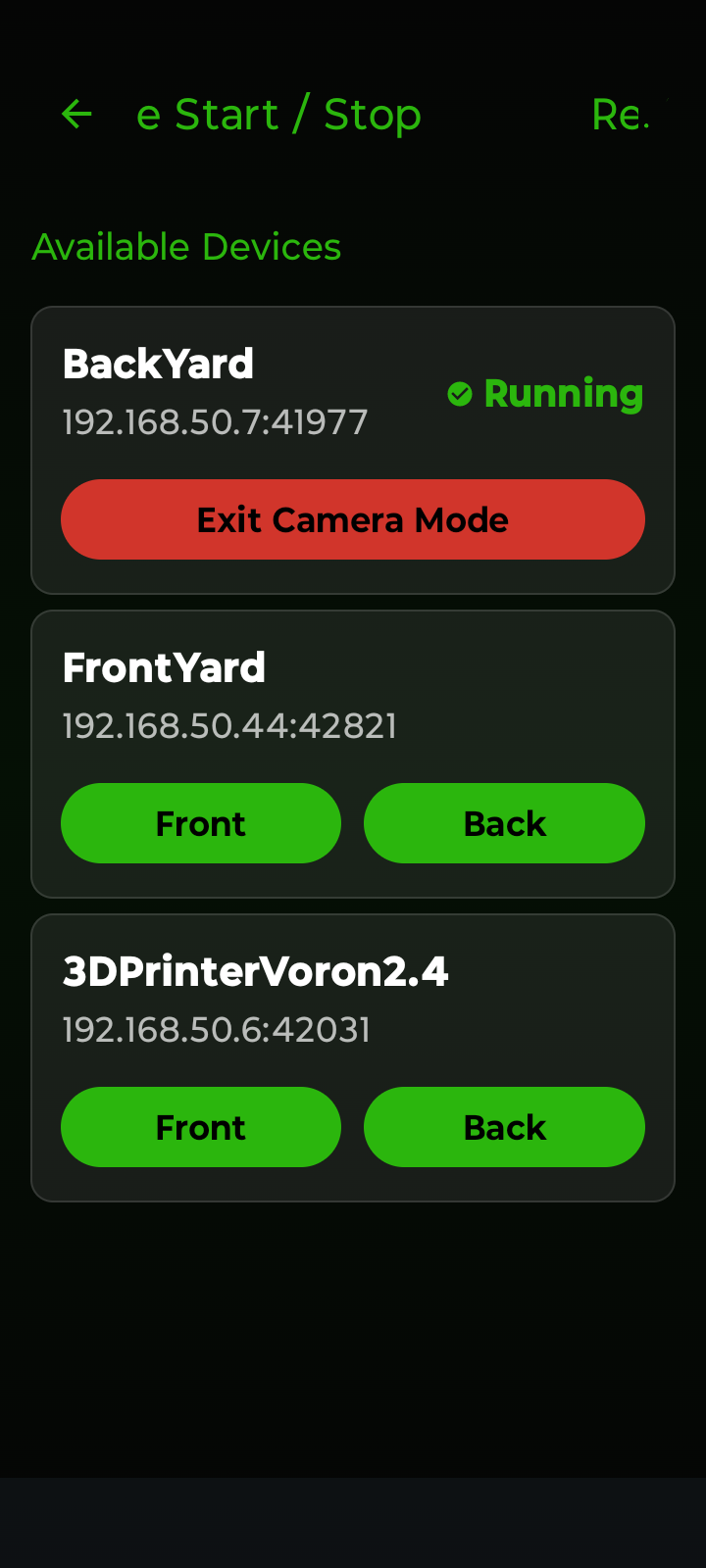
Remote Start
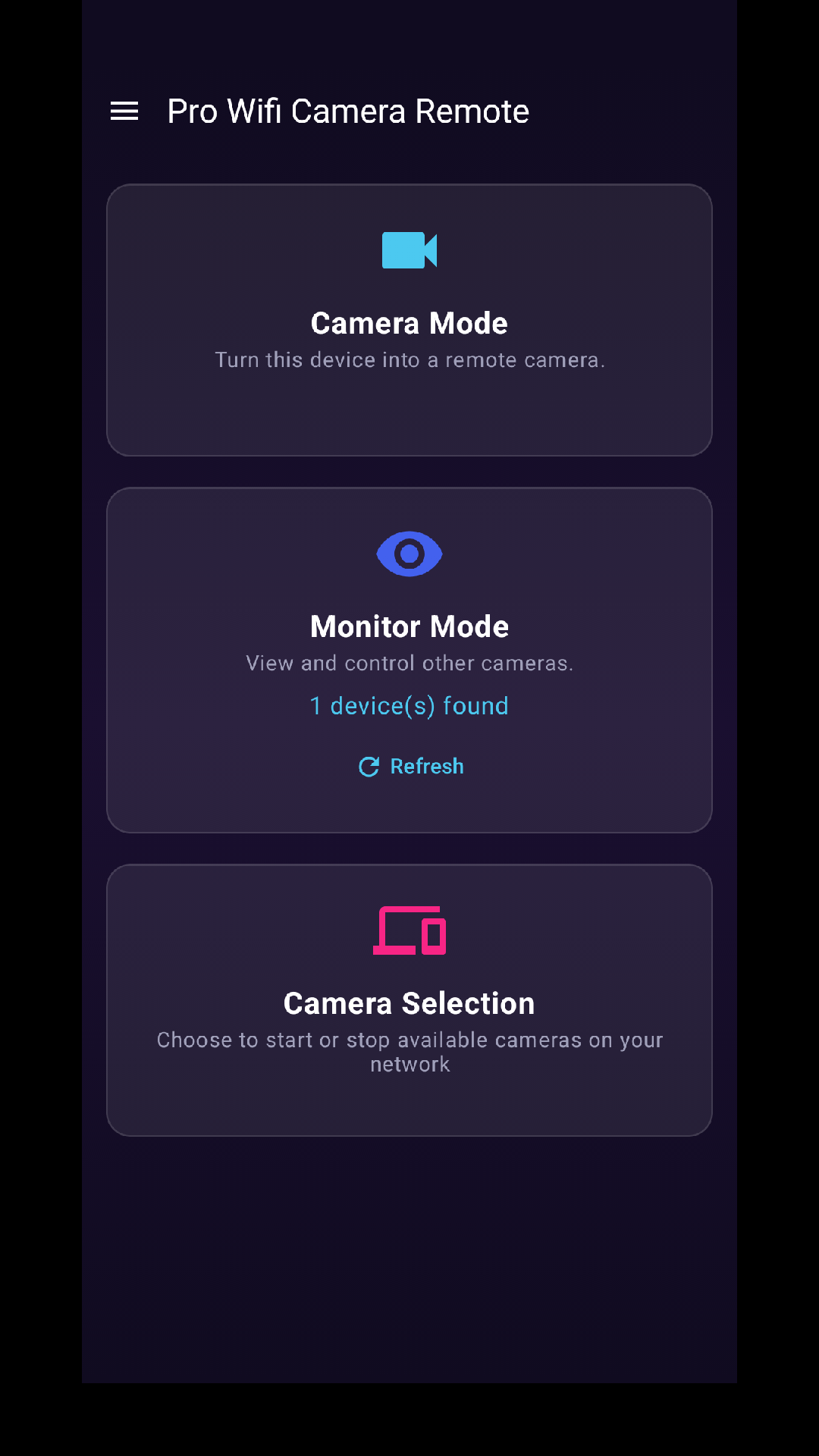
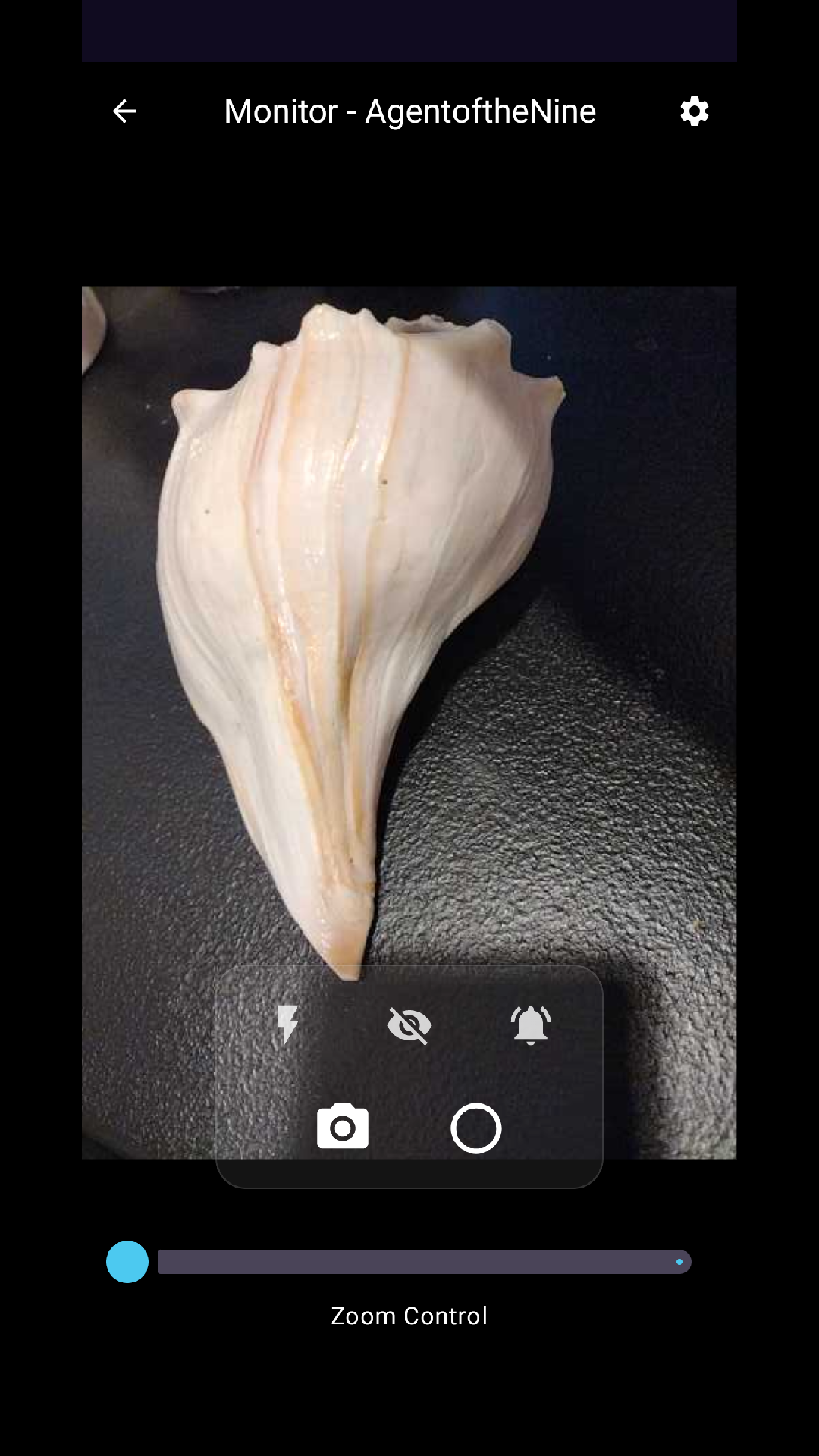
Start a camera remotely from your monitor device. No need to physically press start on the camera.
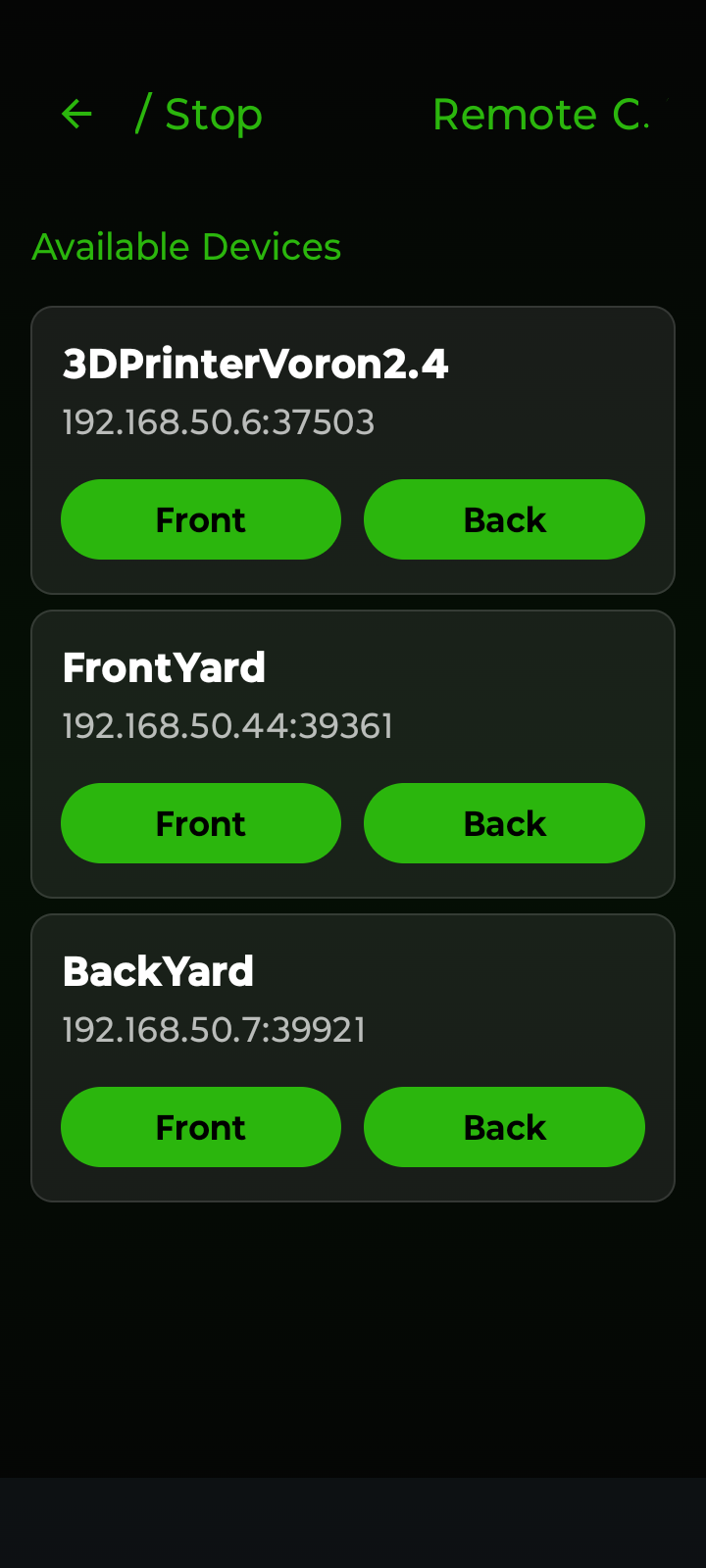
Front / Back Camera
Choose between front-facing and rear camera. Perfect for different mounting positions and use cases.
Web Interface
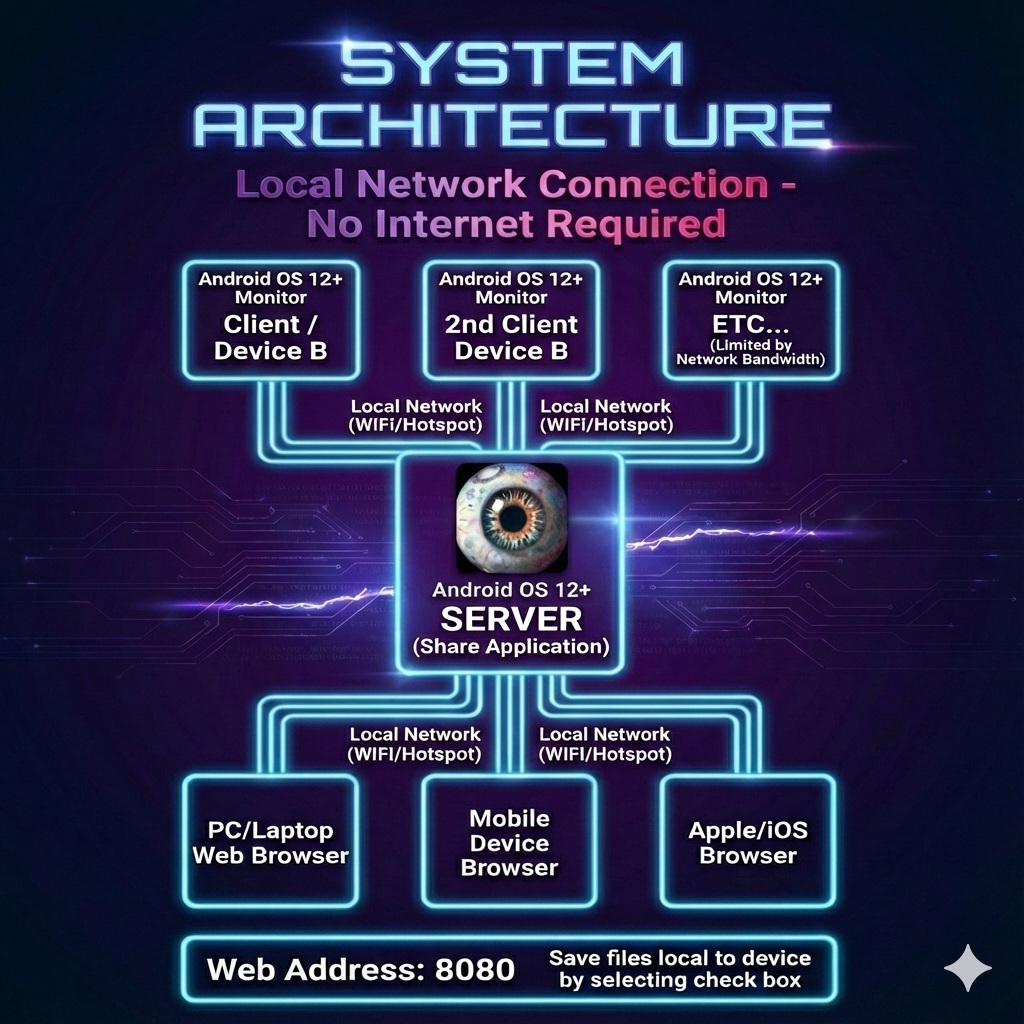
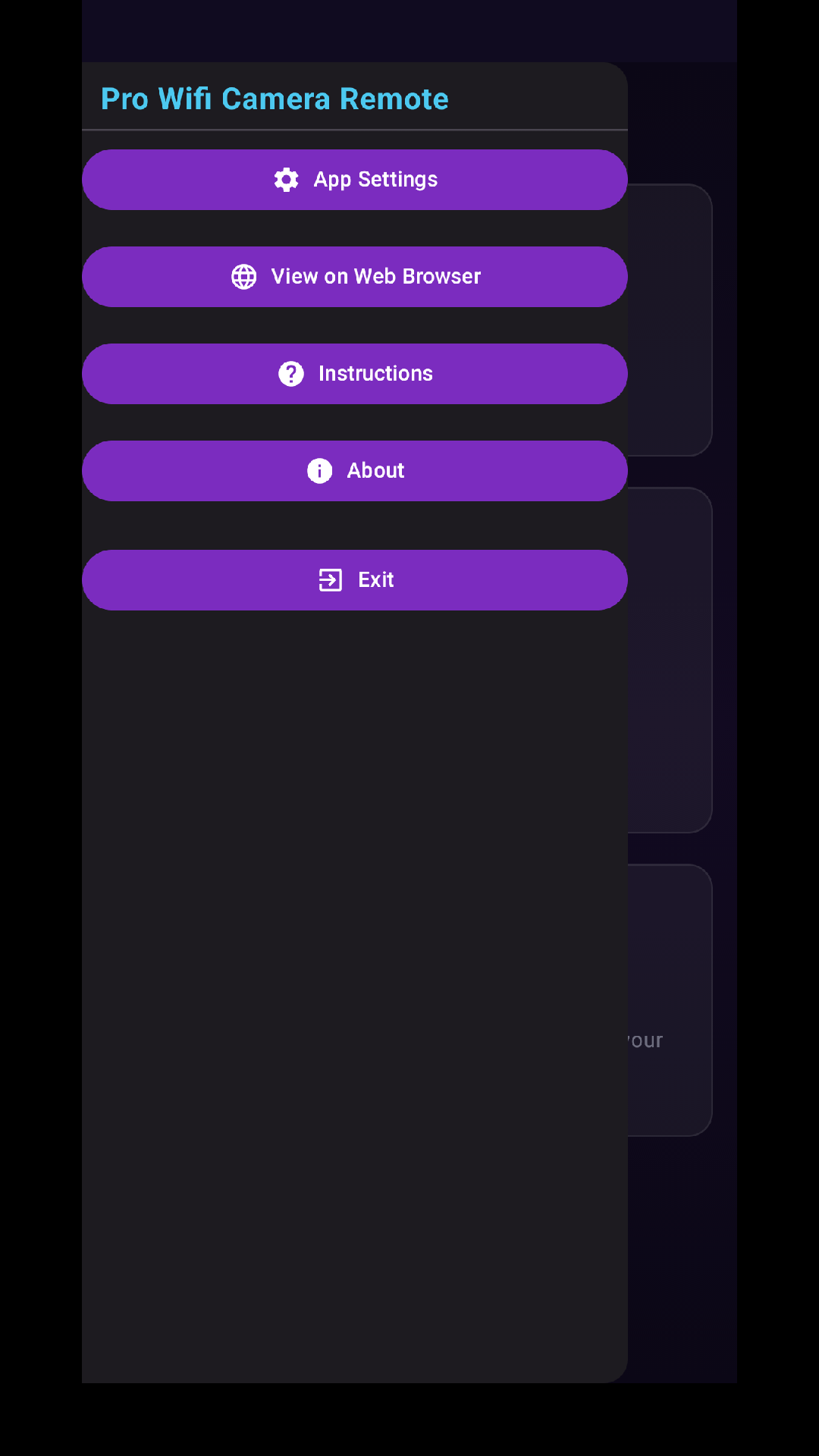
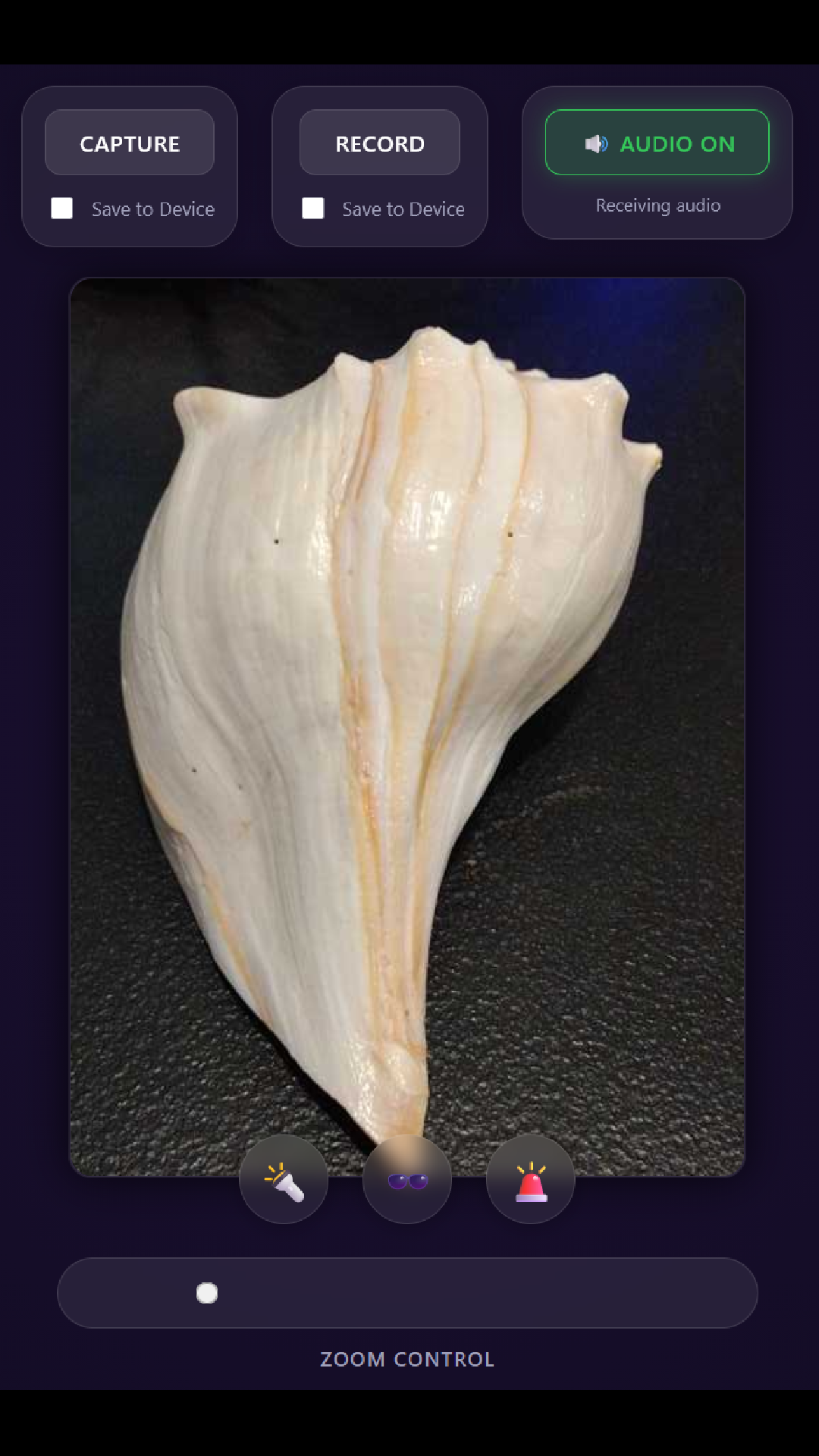
Access your camera stream from any browser on your network — laptop, tablet, or any device.
Customizable Appearance & Themes
Personalize the app interface with customizable theme profiles, dynamic Material You colors, and dark mode options.
See the App in Action
Swipe through screenshots to explore the features
Why Choose Us?
100% Private
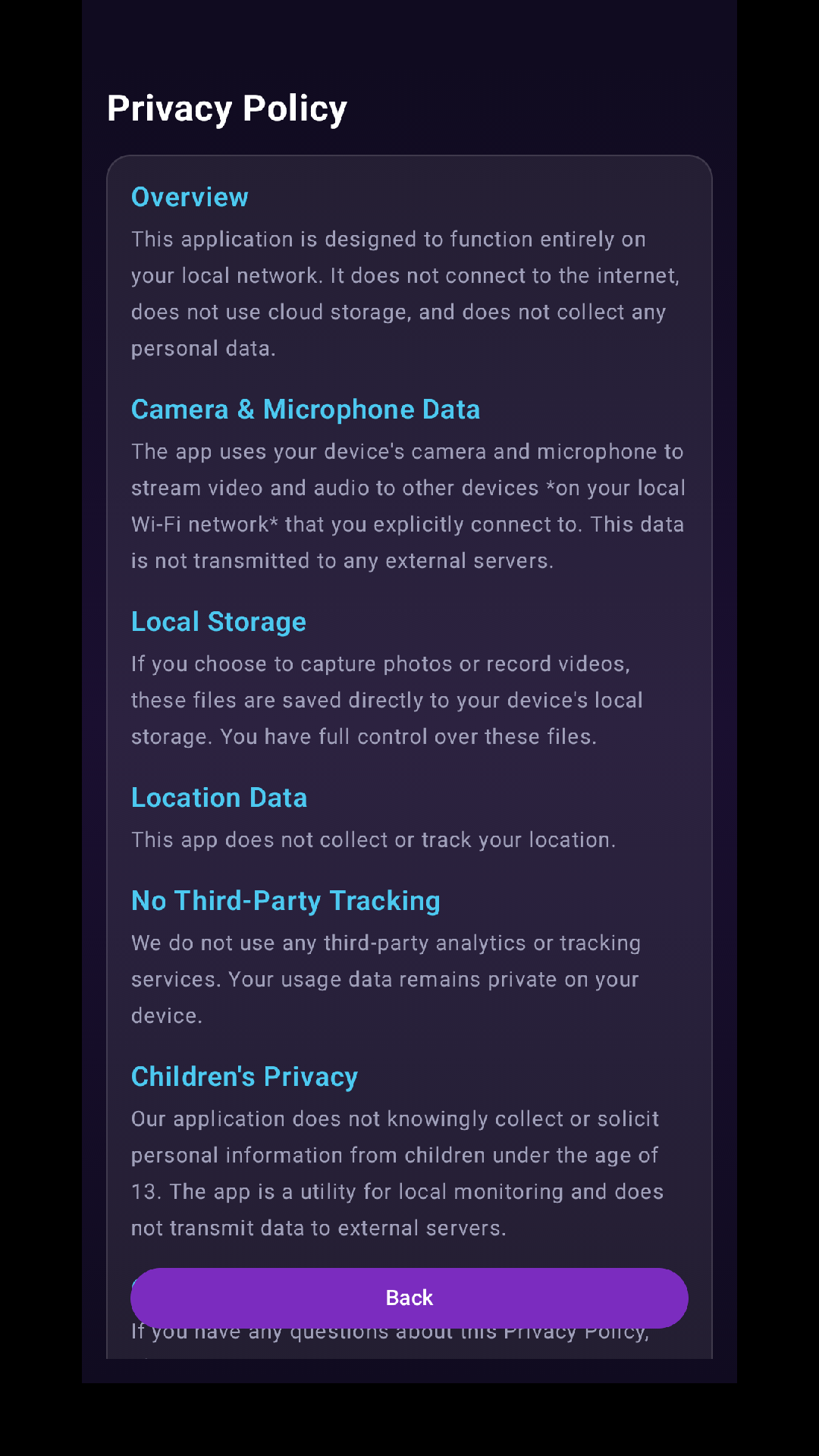
No cloud servers. No account creation. Your video feed never leaves your local network.
Real-Time Streaming
Low latency video and audio streaming between your devices for instant monitoring.
Wi-Fi & Hotspot Support
Works on Wi-Fi or Mobile Hotspot. Perfect for travel or areas without internet.
Community Use Cases
Baby Monitoring
Secure, offline monitoring for your nursery.
Front Door Cam
See who is at the door without expensive subscriptions.
Pet Watcher
Check on your pets while in another room.
Garage Security
Monitor your garage or driveway using an old phone.
3D Print Monitoring
Watch your prints remotely to catch failures early.
Home Lab & Inspection
Up-close inspection and recording for electronics or experiments.
Air-Gapped Security
Perfect for high-security areas where no internet connection is allowed.
Birds & Wild Life
Watch birds at the feeder or wild life in action from a safe distance.
RV & Camper Security
Off-grid security and pet monitoring for trailers and campers.
Laser & CNC Monitor
Sub-second low-latency oversight for laser cutters and CNC routers.
Have a unique use case? Let us know in your review!
Under the Hood
Zero-Config Pairing
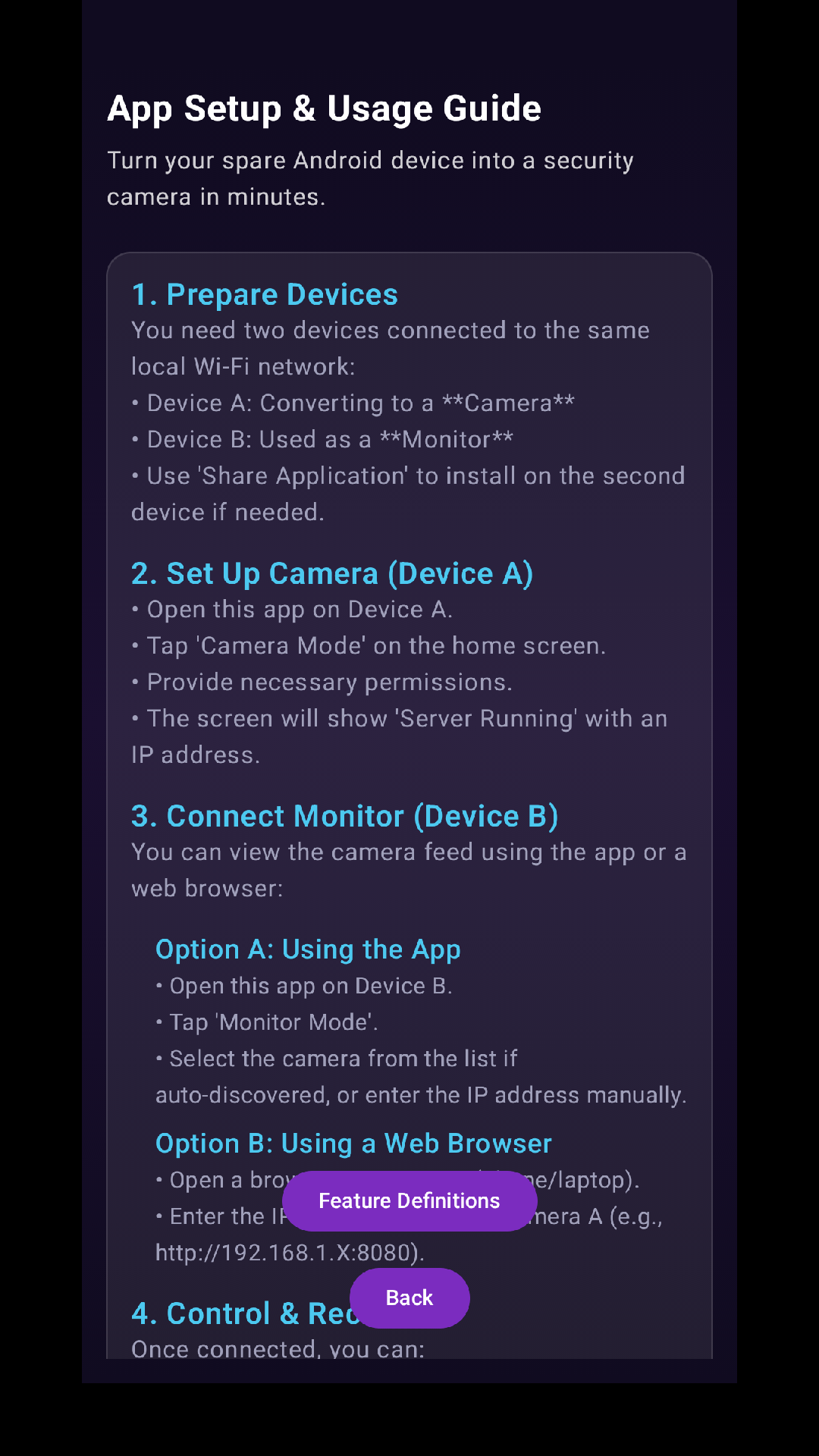
Powered by Android's Network Service Discovery (NSD). The app automatically finds devices on your network—no IP addresses to type, no QR codes to scan. Just open and connect.
Direct Socket Stream
We use a custom-built UDP/TCP Socket Server directly on your device. This eliminates the "middleman" server found in other apps, ensuring data privacy and reducing lag.
Background Service
Utilizing Android's Foreground Service architecture, the camera continues to stream securely even when your screen is off or the app is minimized, saving battery life.
Front / Back Camera New
Choose between front-facing and rear camera before starting. Ideal for different mounting positions — use the selfie cam for face-level monitoring or the rear cam for wide-angle views.
Technical Expectations
- Minimum Android 12 OS required.
- USB Power recommended for sustained periods of use.
Use Considerations
- Performance depends on the number of connected devices/browsers.
- Wi-Fi/Hotspot bandwidth limitations may affect stream quality.